“Our employees love the new portal, it’s got a fresh new look and is so simple and intuitive to use”
Director of HR
/
Penspen
Read more

The technology
of benefits
Fed up with spending money on employee benefits that nobody uses? Show your people how much they mean to you, with a personalised portal jam-packed with benefits they actually want.






Make Zest your own by designing it to fit your employer brand
Access from a PC, Mac, tablet or smartphone

Our editing tool makes it quick and easy to update information and create communications on the fly

Create allowances for employees to spend to support home working, or mental and physical health

We’re ISO27001 and Cyber Essentials certified

Employees can give shoutouts, and HR can give rewards

Get the information you need to make smart decisions

Grab your employees’ attention and get them using the benefits that are important to them
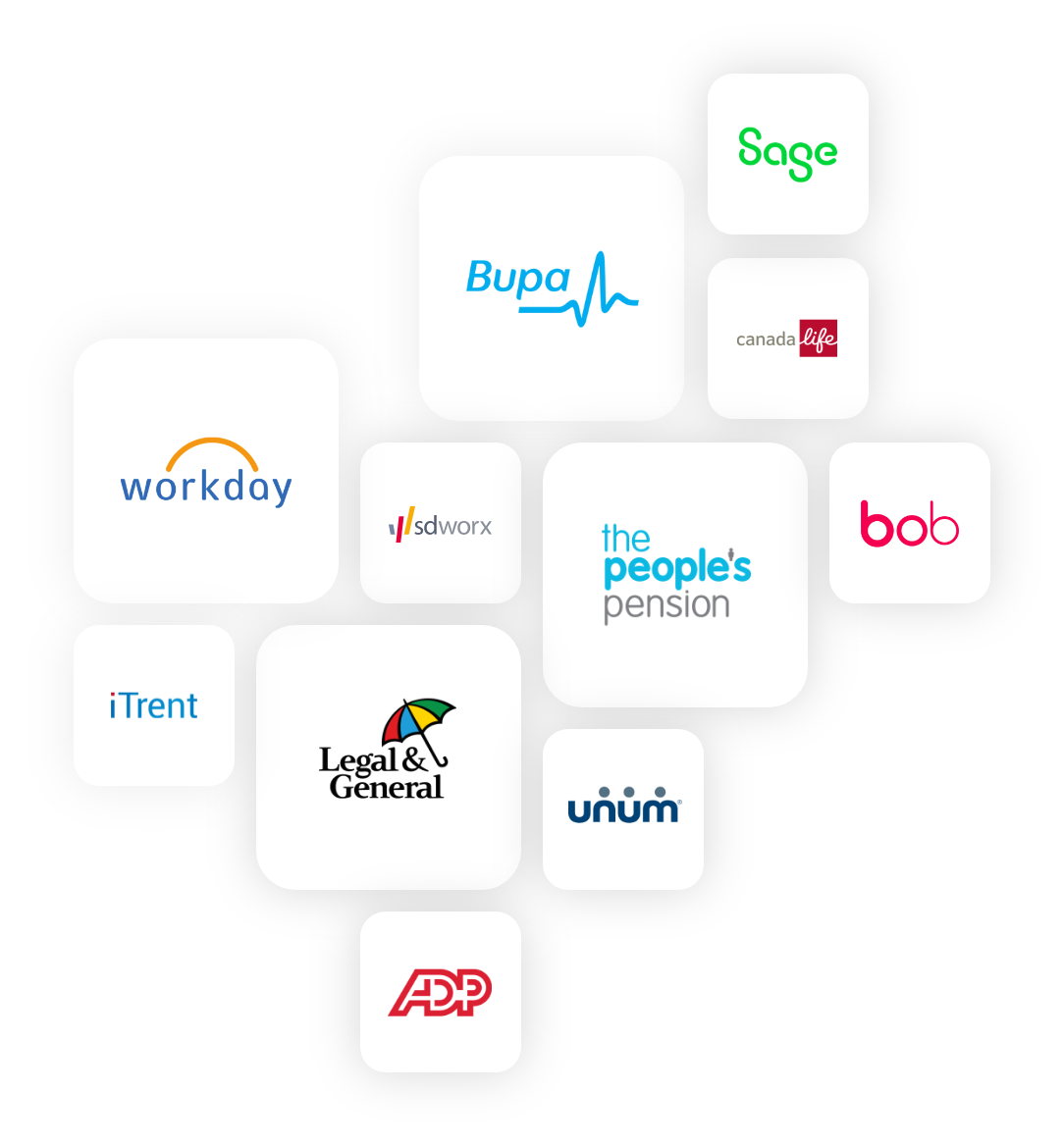
Zest connects with the benefits providers and HR and payroll systems you use, updating information automatically, improving accuracy, and saving everyone time.
“The support and quality of project management has been excellent and some of the activities the project manager has undertaken on our behalf are over and above our expectations.
Technology Award
Benefits Innovation of the Year
HR Tech Provider of the Year
From complex, global benefits management to simple solutions for SMEs, we’ve got an option for you
An easy-to-use, engaging and flexible platform that makes managing employee benefits simple for SMEs and their people
Features:
Employee benefits platform
5 benefits included
Employee recognition
Other platform tools
Employee management
Zest Marketplace
Video training
Optional add ons:
Zest Wellbeing (optional)
Zest Launch (optional)
Zest Helpdesk (optional)
Perfect for mid-size organisations, this package includes extra tools to help you reduce admin and engage your employees
Features:
Employee benefits platform
10 benefits included
Payslips
Claims module
Flex allowance or investment allowance
Benefit insight
Auto-enrolment
Employee engagement
Employee recognition
Other platform tools
Single sign on
SFTP and complex transformations
Zest Marketplace
Zest Wellbeing
Group training
Optional add ons:
Zest Launch (optional)
Zest Helpdesk (optional)
For large organisations, our comprehensive Enterprise package gives you the tools to manage even the most complex benefits schemes
Features:
Employee benefits platform
15 benefits included
Payslips
Claims module
Flex allowance or investment allowance
Benefit insight
Auto-enrolment
Employee engagement
Employee recognition
Other platform tools
Single sign on
SFTP and complex transformations
Zest Marketplace
Zest Wellbeing
Zest Launch
Benefits and system consultancy
Individual training
Optional add ons:
Zest Helpdesk (optional)

As well as working directly with companies to manage their employee benefits, we also partner with some of the biggest names in the HR, finance and benefits industries who resell and licence our technology.
“Our employees love the new portal, it’s got a fresh new look and is so simple and intuitive to use”
“We have more than doubled our engagement on employee benefits from 40% in 2018 to 81%”
"It’s saved me time and a lot of manual work! I can focus on more critical things every month"
"Zest just looked and felt ‘right’ from the start. No one really came close."
"The relationship we have with Zest is brilliant and I would not hesitate to recommend them"
"The total reward statement element has gone down particularly well."
Employee benefits are the extra perks and advantages that employers provide to their employees, beyond their regular salary or wages.
Employee benefits platforms are business management systems used by organisations to centralise and streamline the management and admin of its employee benefits offering.
Usually, employee benefits platforms will be made available on a self-service basis to employees as well as the HR and benefits teams, enabling employees to access and update their personal information and benefits selections from a PC, tablet or smartphone.
For HR and benefits teams, an employee benefits system will normally include reporting and communication tools to help the business to understand the uptake and effectiveness of their benefits offerings, and to communicate important information to employees surrounding their benefits scheme.
Organisations operating internationally, with staff employed in multiple countries, need to ensure that the benefits they provide comply with local regulations, and their impact on local taxes are taken into account and managed properly. A global benefits platform needs to be able to offer different benefits to different employees based on factors including their country of employment and their salary, and calculate any tax savings to the employee and/or the employer based on local tax law.
Employee benefits platforms help organisations to manage their employee benefits schemes more efficiently, reducing administration costs and ensuring the accuracy of their benefits data. Organisations can also report on which employee benefits are popular, or not, and adjust the benefits they provide and promote based on this data.
By giving their staff access to a benefits system, filling it with benefits that are relevant to each employee, and communicating with their workforce, organisations can also increase the uptake of employee benefits among their people, increasing employee engagement and retention. In addition, by increasing the value of benefits used by their employees, organisations can save money through benefits provided on a salary sacrifice basis by reducing their employer’s National Insurance costs.
The amount spent by individual companies will vary significantly and depend on numerous factors including their culture, financial performance and the level of competition for talent in their sector.
The cost of employee benefits platforms vary from provider to provider and will depend on the amount of functionality you require, the number of employees using the solution and the length of the contract you commit to. Zest offers three different pricing tiers to our customers.
The implementation time for an employee benefits platform will vary across vendors and also depends on the complexity of your organisation and your benefits scheme.
Another frequently overlooked factor is how quickly each customer organisation can provide the required information and feedback during the implementation process. Many enterprise benefits platforms take multiple months, and sometimes years to implement.
Because Zest has been created with flexibility in mind and is implemented by our experienced, expert implementation team, it’s possible to get you up and running with your benefits system in a matter of weeks.
Attractive employee benefits packages help companies to attract new staff, keep them engaged and motivated, and retain employees who might otherwise be tempted away to a new job elsewhere. Employee benefits can also help to improve the mental, physical and financial well-being of employees by ensuring they have access to helpful services and resources such as health and dental insurance, gym memberships, financial coaching and access to counsellors.
Employee benefits can also be used to help employees and employers to access valuable perks while reducing the amount of tax and/or national insurance they need to pay.
Employee benefits systems can save organisations money in four main ways: